Shop the look widget
Turn one photo into a shoppable gallery. Place up to 6 hotspots on the products in a photo. Shoppers hover or tap a dot to see the product and add it to their cart. Add all to cart adds the whole look at once. Available on the Pro plan.
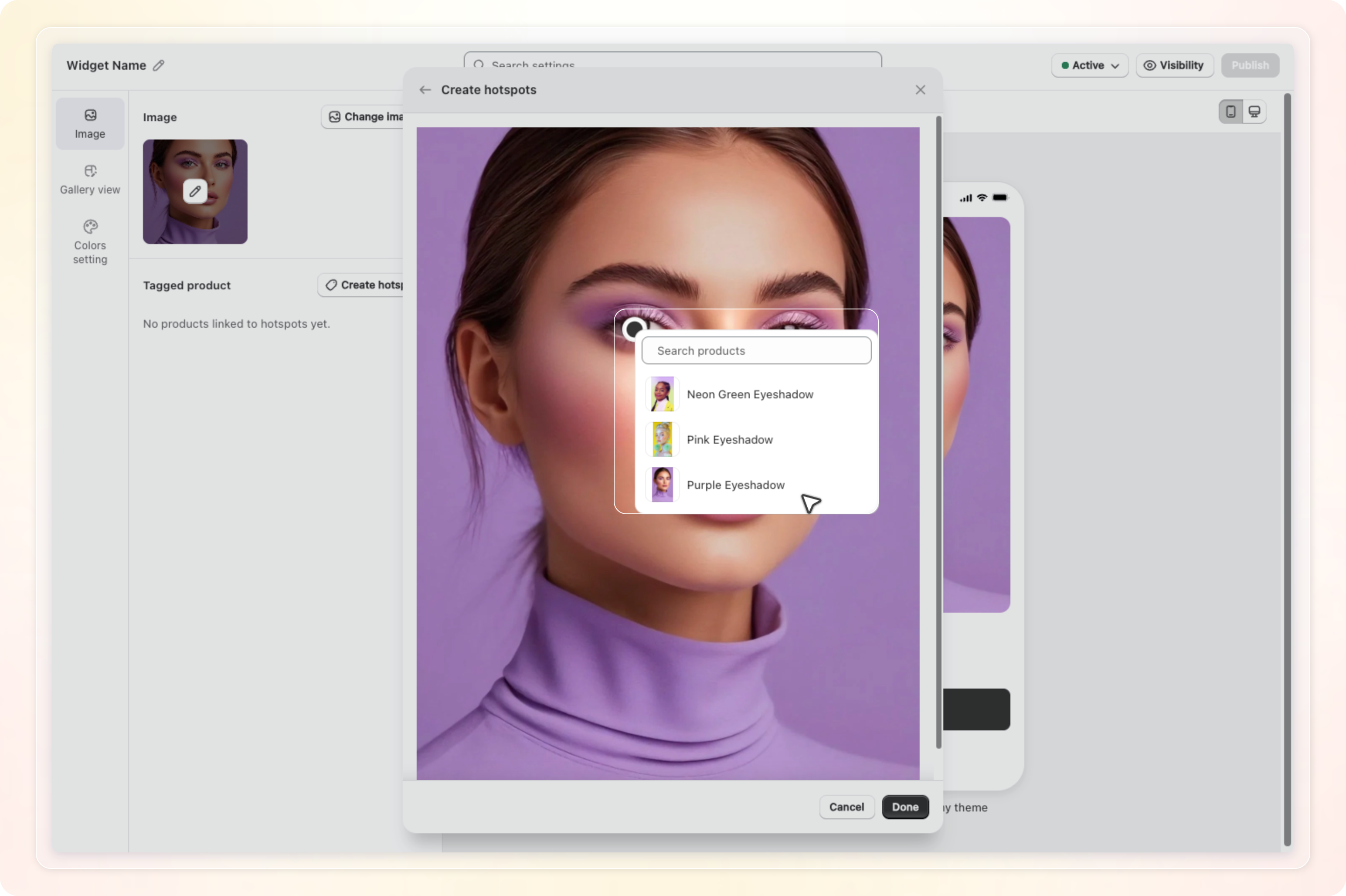
How to use: Go to Manage widget, click Add new widget, then choose Shop the look. On the Image tab, click Select image, crop the photo, and click the spots where products appear to tag them. See Shop the look for the full walkthrough.