Introduction
Instead of building product lists by hand for every channel, let the app send your Shopify catalog to Google, Meta and other platforms, and keep it up to date.
What you get
Avada Product Feed turns your Shopify products into feeds: product lists that Google and Meta use to show your products to shoppers.
- Your products on Google. They show up on Google Shopping through your Google Merchant Center account.
- Your products on Facebook and Instagram. They reach your Meta catalog, ready for shops and ads.
- Your products on other platforms. An Any platform feed gives you one link to paste into TikTok, Pinterest, Microsoft and more.
- Fewer rejected products. The app checks every product before it goes out. Missing or wrong details show up as issues you can fix in a few clicks.
- One place to check approval. The app shows whether Google or Meta approved each product, so you don't need to open Merchant Center or Commerce Manager.
- Feeds that stay fresh. Set a schedule, and your prices, stock and new products reach your channels on their own.
More approved products means more products in ads, more clicks and more sales.
How feeds work
Each feed covers one market: a language, a currency and the countries you sell in. The app takes your markets from Shopify Markets. A Google feed can cover several countries that share a language and currency.
After each sync, the app reads back what Google or Meta decided for every product:
| Channel | Statuses you see in the app |
|---|---|
| Approved, Limited, Pending, Disapproved | |
| Meta | Active, Hidden, Pending, Rejected |
Nothing changes in your Shopify store. Edits you make in the app only affect your feeds.
Find your way around
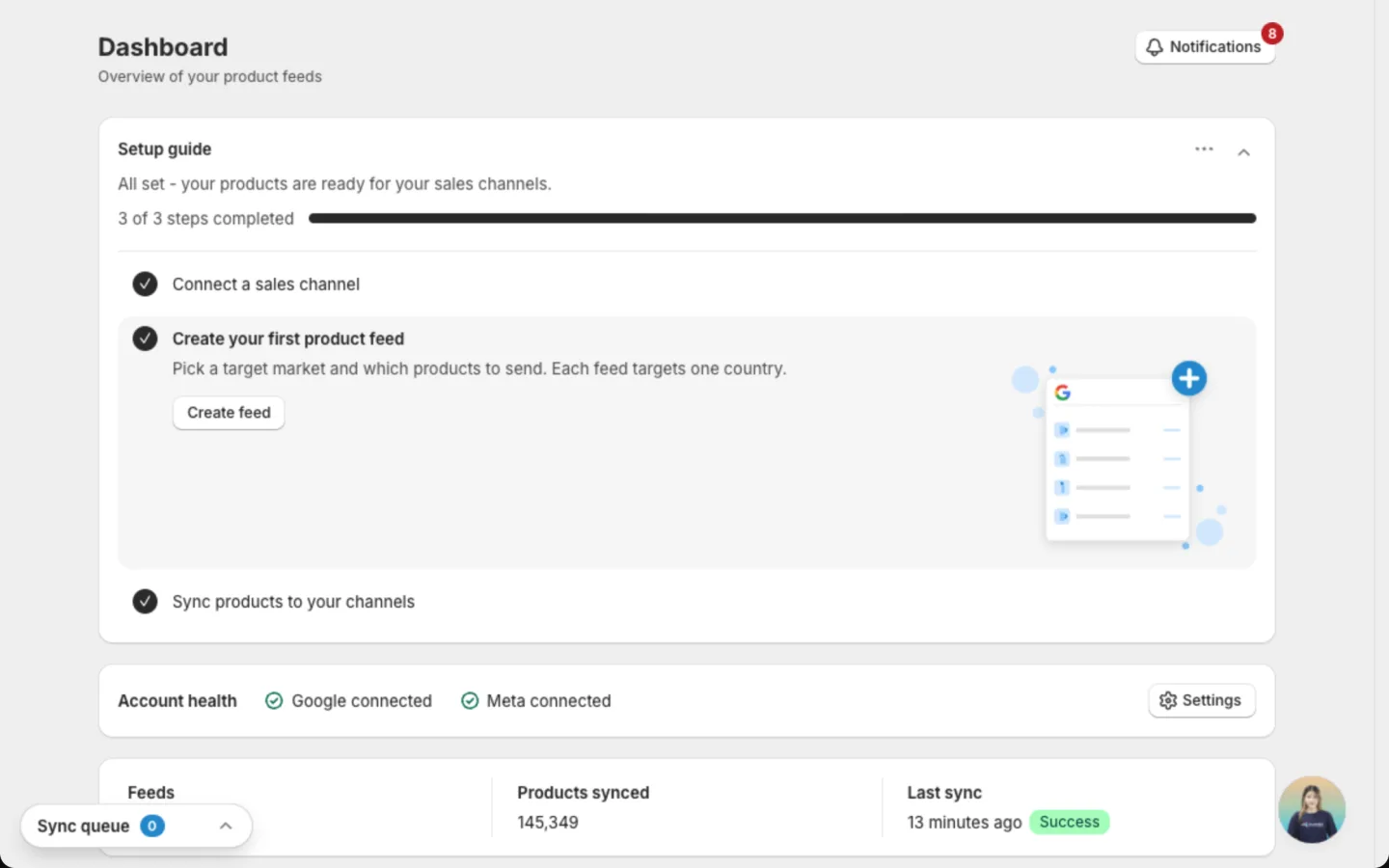
The app sits in your Shopify admin sidebar, under the app name. Click the app name to open the Dashboard. The other menu items are:
- Manage feed: create feeds, review their products and fix issues.
- Catalog sync: see what the app has read from Shopify, refresh it and set the sync schedule.
- Optimize: set rules that filter products and fill in details for you.
- Templates: design product images once and use them across a feed.
- MCP Server: let an AI assistant, like ChatGPT or Claude, check your feeds for you.
- Settings: connect your Google and Meta accounts.
Discover Avada Product Feed
Getting started
Connect Google or Meta and go live in minutes
Dashboard
See what is showing and what to fix first
Manage feed
Find, edit, copy and remove your feeds in one list
Create a feed
Pick a market and products, then send them out
Catalog sync
Refresh your Shopify data and set the sync schedule
Image templates
Design eye-catching product images once, use them everywhere
Settings
Connect your Google and Meta accounts
AI assistants
Ask ChatGPT or Claude about your feeds in chat
Limits and FAQ
Product and sync limits, plus common questions
Still have questions?
Chat with us from the app, any time. You can also check Limits and FAQ.