Settings
Instead of adding your feed link to Google and Meta by hand, connect your accounts once and let the app add every new feed for you.
What is in Settings?
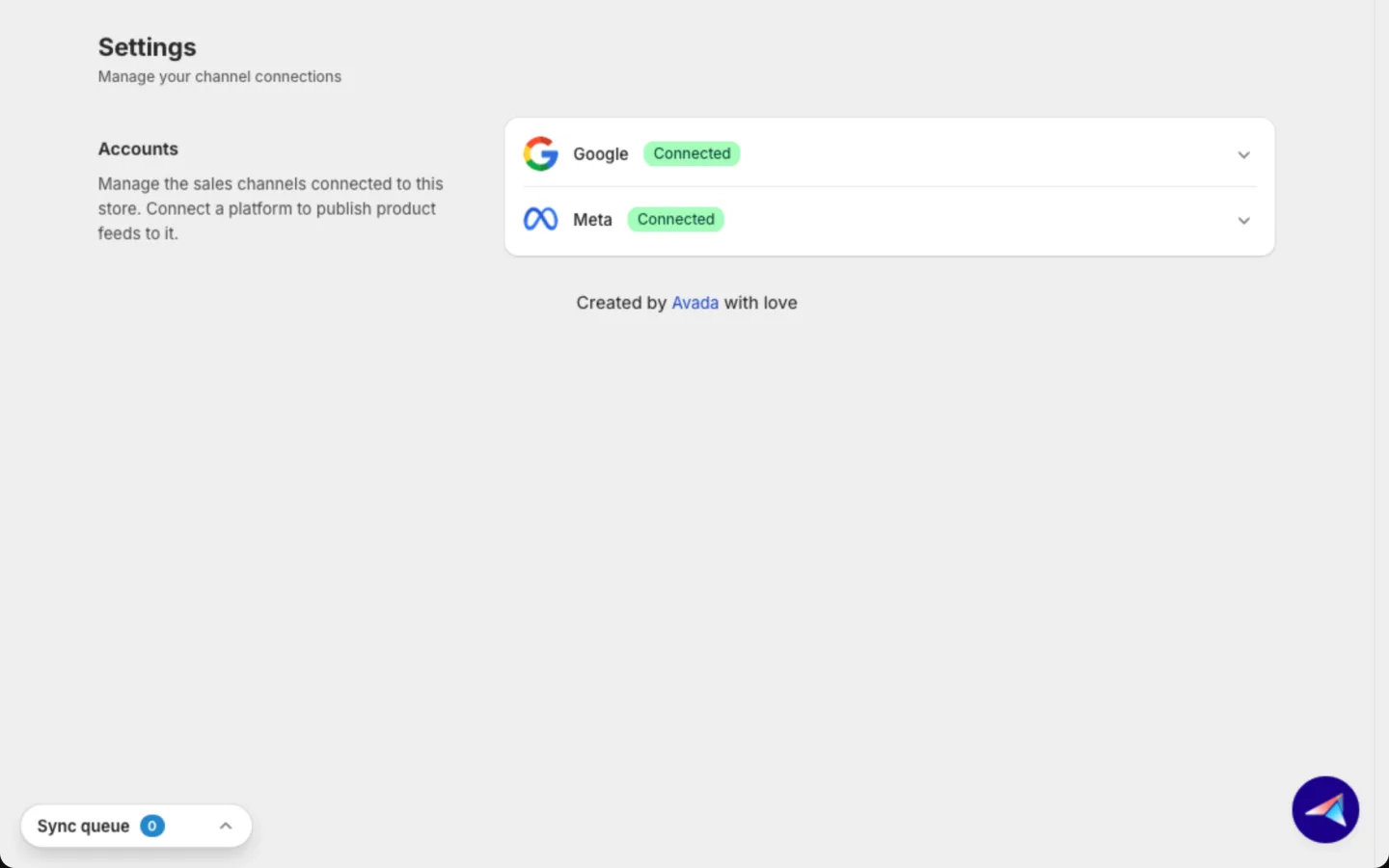
Go to Settings in the app menu. It holds your channel connections in one section, Accounts.
Looking for the sync schedule or your metafields? They moved to Catalog sync.
Accounts
Connect a channel so your products can show up in Google Shopping or Meta ads. The Accounts section lists Google and Meta. A badge shows Connected, Not connected or Reconnect needed. Click the arrow at the right of a row to open it.
Connect Google
- Open the Google row and click Connect Google account.
- Sign in with Google and pick your Merchant Center account from the list. Merchant Center is where Google keeps the products it shows in Shopping ads. Your choice saves right away.
If you see Verify your website, Google has not confirmed you own your store's website yet. Click Business info to fix it in Merchant Center, then click Recheck. Until then, Google may not approve your products.
Connect Meta
- Open the Meta row and click Connect Meta account.
- Sign in with Facebook and pick your portfolio in the Business portfolio list. Your choice saves right away.
If your Meta connection expires, you see Reconnect your Meta Business account. Click Reconnect and sign in again.
To switch accounts on either channel, click Change account. To remove a connection, click Disconnect.
Good to know
- Changes in Settings never edit your Shopify store.
- Account connections save as soon as you pick an account.
- Any platform feeds need no connection. You copy the feed link and paste it into the platform yourself. See Create a feed.
- Account health on the Dashboard and on Manage feed shows at a glance whether Google and Meta are connected.
FAQs
Can I create a feed before I connect an account?
Yes. Create the feed, click Copy feed URL, and add that link in Merchant Center or Commerce Manager yourself. Once you connect, the app adds new feeds for you.
Where is the sync schedule?
It moved to Catalog sync, in the Schedule card.
Where are my metafields?
They moved to Catalog sync, in the Metafields card.
Still have questions?
Chat with us from the app, any time. See also Limits and FAQ and AI assistants.